


Wednesday, May 4, 2011
Guide To Setting Up A Remotely Accessible Home Media Server
Posted by Brad Wasson in "Digital Home Talk" @ 08:30 PM
"If you're out of the house a lot but still want access to files on your home computer, one of the best ways to solve that problem involves setting up your computer as a remotely accessible home media server. Here's a look at how to not only access your files (and control your computer) remotely, but also share files with others, stream music and video, access your photo library, and a whole lot more."
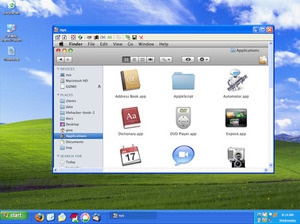
It seems to me that the interest in remote access to a home computer originated with the need for owners to provide direct access to their PC to support personnel troubleshooting problems. Wow, have things come a long way since then. There are a plethora of capabilities provided by a variety of software applications focused on remote access needs (e.g. take over your PC remotely, access files remotely, initiate and run an application on your PC remotely, stream media, and more). Lifehacker has provided us with a nicely structured guide for how to set up a remotely accessible home media server on a Windows, Mac, or Linux home PC.









